You can start an app for your business from a template, most of them free, then ask for changes in plain English. First check whether its features fit your day-to-day work. A salon booking app, a coffee-shop loyalty card and a customer shop app have different roles, payment requirements and operating limits. The template page sets those out before you create it.
Which app is yours
- An app for your salon, barber shop, clinic or studio: Appointments. Customers book a slot, staff run the diary.
- An app for your restaurant or takeaway: Food Delivery, a premium template. Customers order to an address and watch the order move; your kitchen moves it along.
- An app for your shop, bakery, farm shop or market stall: Shop, a premium template. A catalogue, a bag, order history, card payments once you connect your own processor.
- An app for your gym or coaching business: Fitness Coach. Plans, guided sessions and each user's own progress and records; no shared coach dashboard.
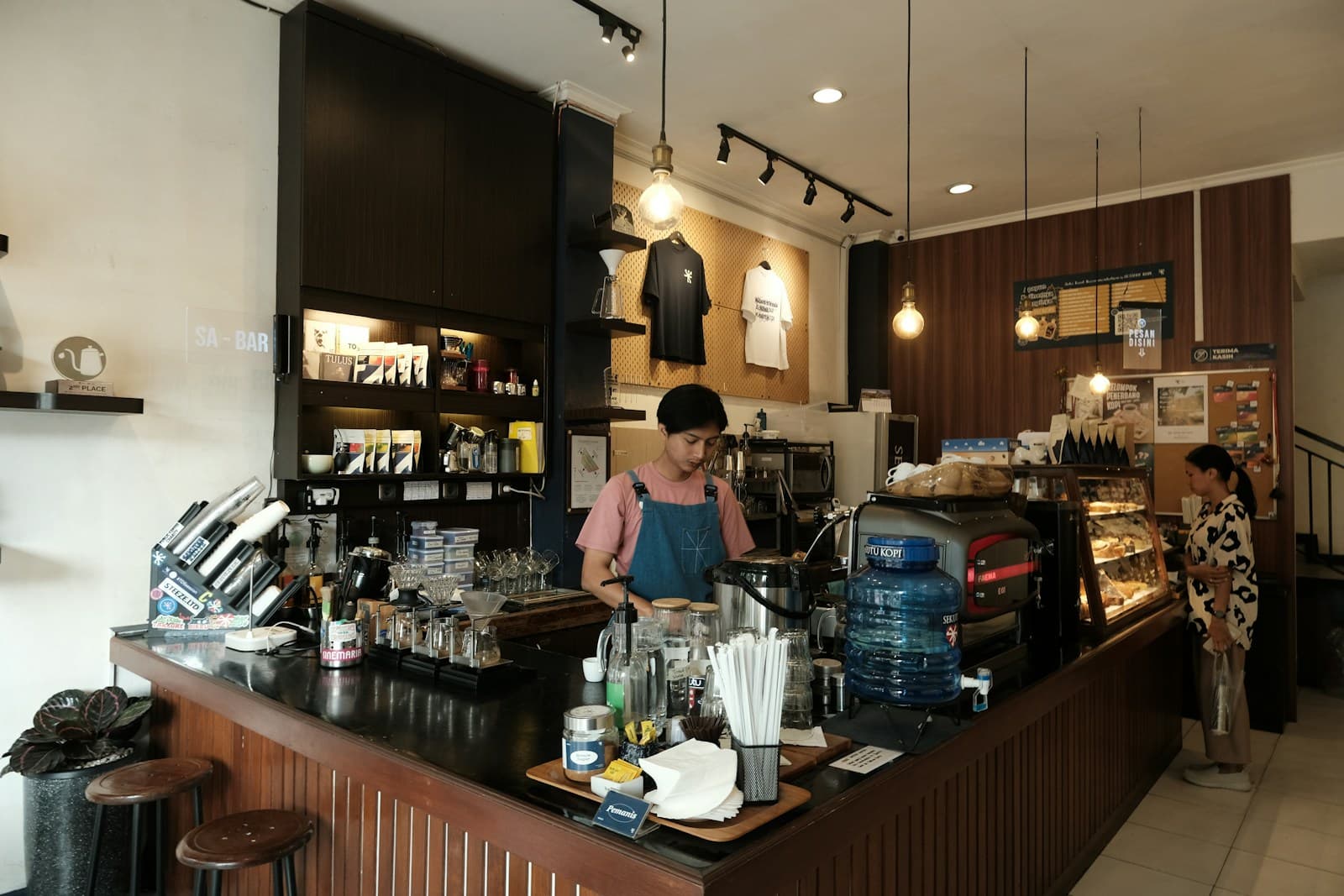
- An app for your coffee shop or deli: Loyalty Rewards. A stamp card customers carry and staff scan.
- A course you teach: Courses. Lessons, quizzes and notes for your students.
- Invoices for a trade or freelance business: Invoices. Quotes, invoices and who has paid.
- Events, a members’ club, a jobs list, a property portfolio: there is a template for each, and its page says exactly who it is for and what it does not do.
What it costs, in full
Standard templates are free, every time, with no card to enter; the two premium ones above, Shop and Food Delivery, cost credits to claim. The Basic plan is $5 a month and comes with 50 credits, and a small change is a few of them. Your business’s own name goes on the app with any plan. Android installs by a link and a QR code, and the link always serves the newest version. iPhone needs an Apple developer account, which is $99 a year and has to be yours for Glassly's installation route. Putting the app on Google Play is a one-off $25 to Google.
What comes with your app
An icon on your customers’ home screens, two taps from Instagram, with accounts, bookings and orders that live on their own backend. Sign-in, a database and file storage are provided by the managed starter backend. Production or store builds, integration secrets and apps beyond the starter limits require a Supabase project you own.
What it does not do yet
Every template page lists what it does not do yet, and you should read that line before you claim one. Payments are the common one: most templates track money rather than move it, and the shop takes cards only once you connect your own card processor. Additional features are work to request and test in chat, with credits and any external service setup to budget for. The shop template is the customer app; it has no owner console.
Your first useful check
Pick a template, complete the initial setup and test the main customer action. For appointments, make a booking and check the staff diary. For loyalty, try a stamp and redemption. If you searched for an app for my business, these checks tell you whether the starting point fits. Read how it works and pricing before planning a customer launch.