Short answer: you make an app for iPhone and Android the same way here, and the two platforms are equally supported. What differs is not the app, it is the paperwork the platform owner asks of you before that app is allowed onto a phone. Android asks for no store account to install from a link. For Glassly’s iPhone builds, you connect an Apple developer account in your name, $99 a year. Those are the starting requirements; everything below is the detail.
Android: direct installation and device permissions
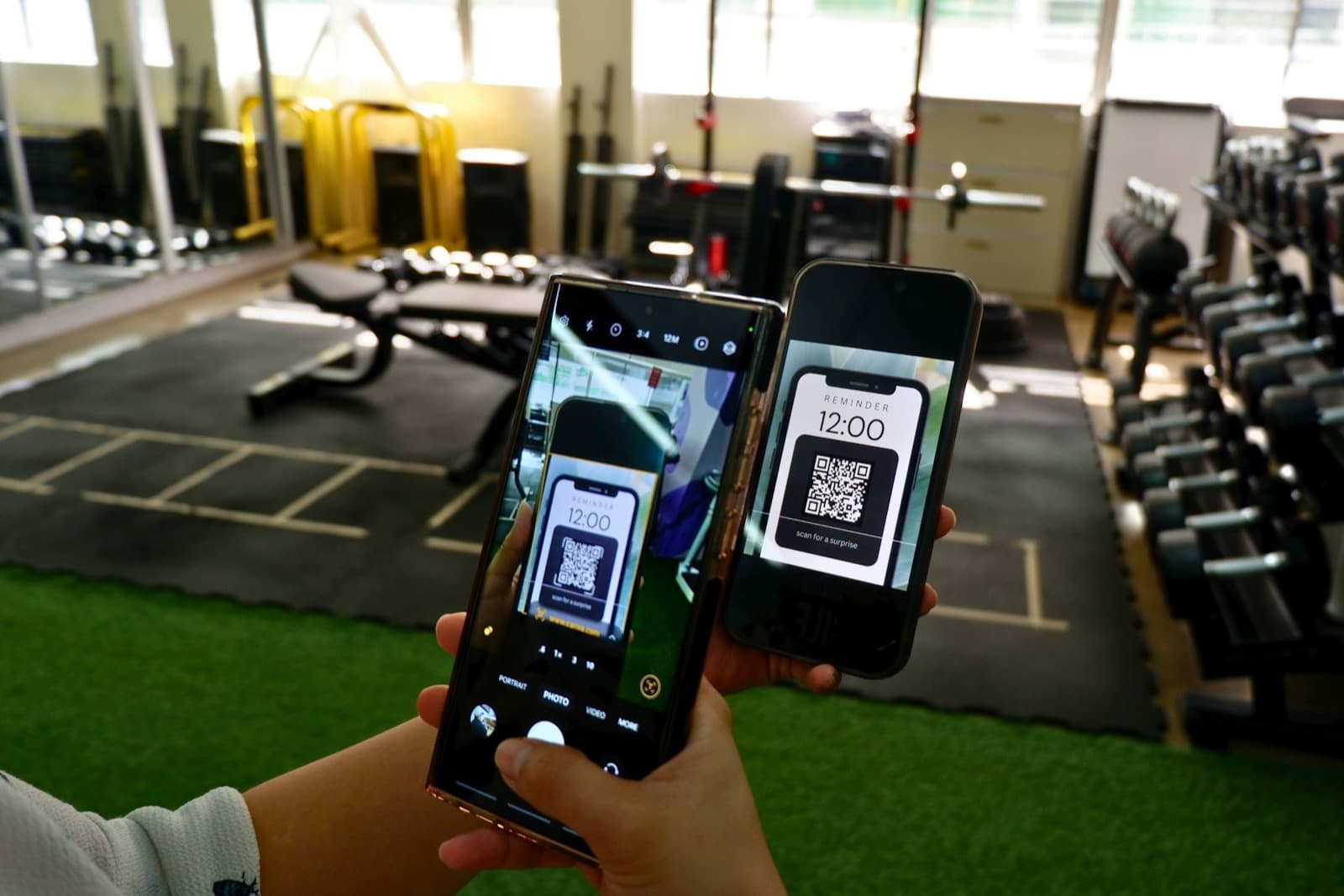
When your Android build finishes, you get an install page with a link and QR code. Open it on a supported phone and follow the installation instructions. You can install an app on Android without Google Play using this route. Device permissions, developer verification and managed-device restrictions can affect whether the phone permits the install.
The phone will ask you some questions the first time, because it is being handed an app from outside the store. It may warn about unknown apps, which you allow for the browser you downloaded with. Play Protect may offer to scan it and then let you install anyway. None of that is a fault in the app; it is Android checking that a person meant to do this.
The Android unverified developer step, on newer phones
Google's developer verification guidance describes enforcement on certified Android devices in Brazil, Indonesia, Singapore and Thailand from 30 September 2026, with wider rollout from 2027. Where enforcement applies, ordinary installation requires the app's package and signing identity to be registered. This is separate from publishing on Google Play.
Google also documents an advanced installation flow for users choosing to install unregistered apps. It includes enabling developer mode, confirming the choice, restarting and a one-time 24-hour wait. Follow the current instructions for your device; this is not a delay on every Android install.
Registration itself happens in Google's Android Developer Console. Google offers a free limited distribution account for up to 20 explicitly authorised devices, without government-ID verification, and a paid full-distribution account. Device authorisation still requires each user's consent. A paid account removes that distribution cap; it does not guarantee a device will allow installation.
What iPhone asks of you: one account, and one key
For an iPhone install through Glassly, you connect your own Apple developer account. The Apple Developer Program costs $99 a year. Publishing on Google Play, by comparison, is a one off $25. Check the Apple Developer Program and Google Play registration requirements for their current terms.
What we need from you is one thing: an App Store Connect API key, a small .p8 file, with its Key ID and Issuer ID. It is stored in the connected backend's vault and used server-side for signing. From there we do the rest of it: the certificates, the profiles, the device registration and the signing, on our servers. You will never open Xcode or read a certificate.
The first iPhone gets set up once, by opening a link on that phone in Safari, which is Apple asking to add the device to your account. Each additional tester follows the enrolment link on their own phone; registration and signing happen under your Apple team and its device limits.
What is identical on both
- The app. One description or one template produces one app, and both builds come from the same code and the same backend, with accounts, a database and files. Device-specific features still need testing on each platform.
- The price of starting. Standard templates are free on both platforms: the whole finished app, yours to build on.
- The way you change it. You ask for a change in plain English and the app rebuilds. Generation and changes use credits; new accounts receive 5 credits to try them.
Android is quicker to get onto a phone. iPhone is not harder to build, it is harder to be allowed onto, and the price of being allowed is Apple’s, not ours.
Which one to start with
If you own an Android phone, start there today and feel the app in your hand before you spend anything. If you own an iPhone, or your people do, connect the Apple account and build for it; nothing about the app changes, and you can add the other platform later from the same app. Most people who are deciding between the two are really deciding whether the idea is worth $99 a year yet, and the fastest way to know that is to hold the Android copy first.
See Glassly pricing for credits, hosting and external fees, or try the free appointments template to explore the workflow.