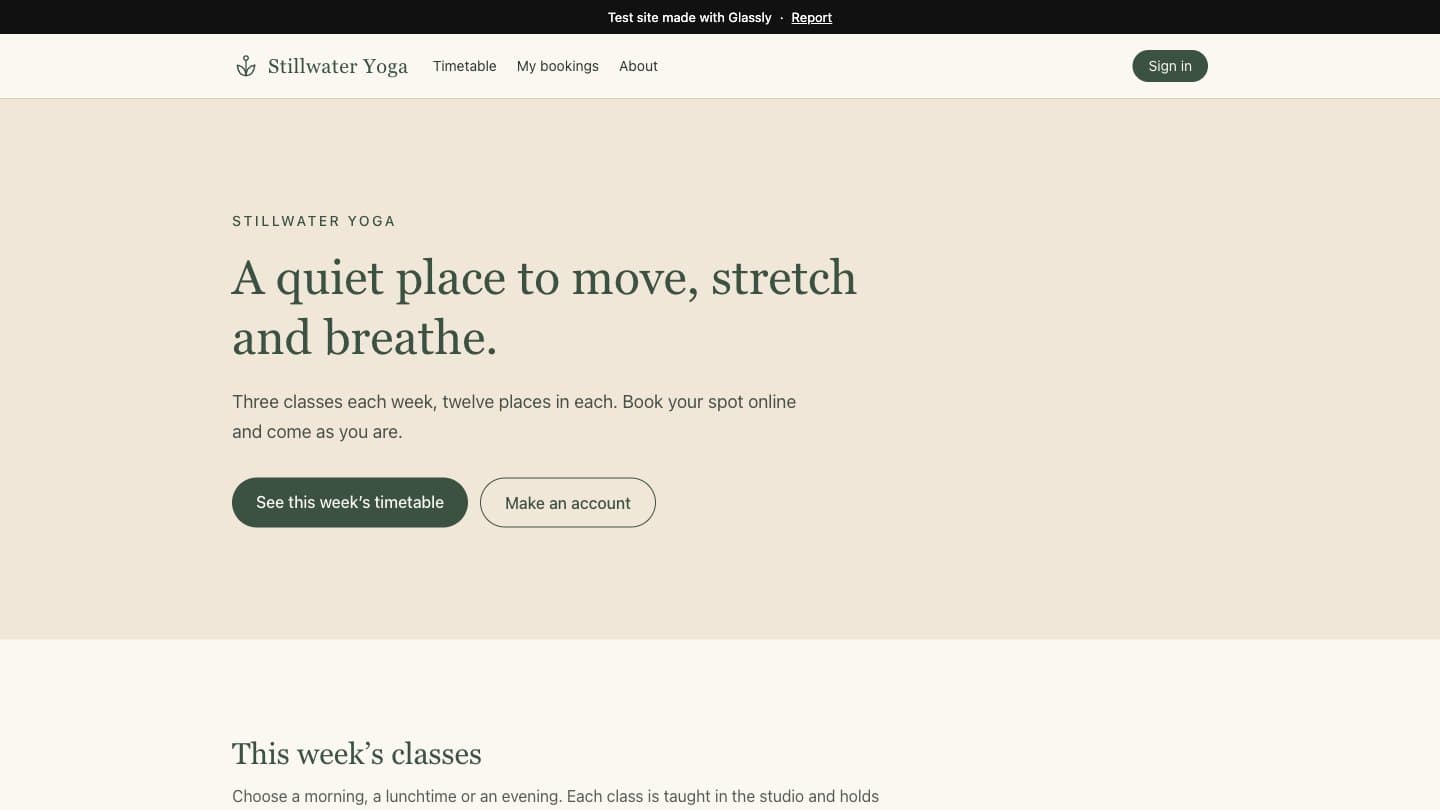
You can make a working website with AI by describing it in a few lines: what it is for, what is on it and how it should look. Glassly writes the pages and, when the website needs them, the parts most builders leave to you: sign-in, a database for what visitors save, bookings, card payments and forms that reach you. You check it on a free test link, change it by chat, and put it live on your own domain when it is ready.
What to write
- Who it is for and what they come to do: “a yoga studio where people book one of three weekly classes, twelve places in each”.
- The pages: a home page, a timetable, an about page, a contact form.
- What visitors save, if anything: accounts, bookings, orders, messages.
- The look and the name: calm and light, or bold and dark.
What you get
- A test link at your website’s own name on glassly.site as soon as it is made, kept out of search engines, for 30 days after your last change.
- Pages that work on phones and computers.
- Sign-in with an email and password when the website has accounts, and with Google once you add your Google keys in its settings.
- Card payments when the website sells or charges, through your own Stripe account, so Stripe’s fee is the only one.
- A database for bookings, orders or messages, where each visitor sees only their own.
- Forms that send what people write to your email, and to the website’s Messages.
- Your own photos and logo, uploaded in the website’s settings.
Changing it
A change is a message in chat: “show the next seven days”, “add a page for prices”, “add an owner’s area to manage the classes”. Each change shows on the test link first, and a live website can go back to an earlier version.
Putting it live
- Add your domain on the website’s Publish page. It shows the two records to add where you bought the domain: one for www and one for the domain without www.
- If the website keeps anything visitors save, move its data to your own Supabase account. Supabase’s free plan covers two projects.
- Start hosting: $5 (£3.99 in the UK) a month for each website on its own domain, with the security certificate (https) for www and the bare domain.
The website goes live the moment the domain, its data and hosting are ready, and your email and other records stay as they are. The guide to connecting a domain covers the records step by step.
What it costs
Making and changing a website uses credits, the same credits as apps: $2.99 for 25 credits paid once, or a monthly plan. Hosting is $5 (£3.99 in the UK) a month for each website on its own domain. A domain is separate: Porkbun listed a new .com at $11.81 a year and a .co.uk at $5.66 on 8 November 2026. What a website costs sets that beside Wix, Squarespace and WordPress.com.
Taking it with you
The whole website downloads from its settings as a project you can build with npm and put on any static host. Its README says what keeps working away from Glassly and what does not.