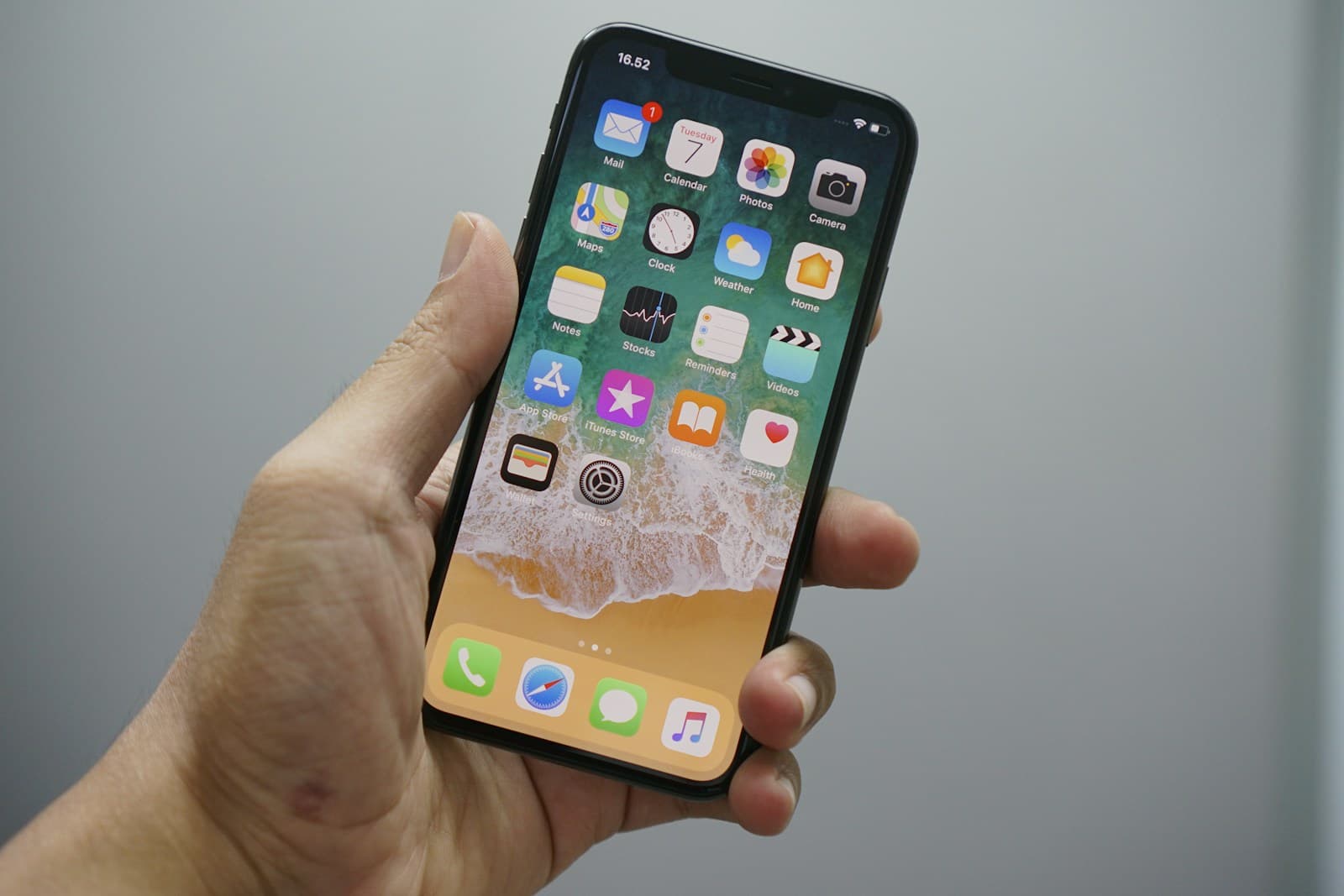
Publishing on the App Store costs 99 US dollars a year for Apple’s Developer Program, in local currency where Apple offers it. Google Play costs $25 once. Both are paid to Apple and Google, whoever makes the app, and both stores take a share when you sell. You can also share an Android app for free, straight from a link, with no store at all. This is what each costs and what it covers.
The App Store
- The Apple Developer Program is 99 US dollars a year, in local currency when you enrol. Charities, accredited schools and colleges, and government bodies can ask Apple to waive it.
- It covers TestFlight for testers, App Store Connect for your listing, and Apple’s review. Apple says it reviews at least half of all submissions within 24 hours.
- A company enrolling needs a D-U-N-S number; an individual or a sole trader needs an Apple account with two-factor authentication.
Google Play
- A Google Play developer account is $25 once.
- A new personal account first runs a closed test with at least 12 testers for 14 days in a row, then applies for production access.
- Apps on Google Play are registered for Android developer verification through Play Console, and Google says it registers 99% of apps automatically.
What the stores take when you sell
- Apple: 15% of paid apps and in-app purchases, through its Small Business Program, for developers who made up to 1 million US dollars the year before or are new to the App Store. Above that, Apple’s standard commission applies.
- Google Play: 15% of your first 1 million US dollars a year in most countries, and 15% of auto-renewing subscriptions. In the UK, the US, the EEA, Australia and Japan the fee also depends on how the app was installed.
- A free app with nothing for sale pays neither store a commission.
Publishing for free
- Android, from a link: an Android app installs from a link or a QR code, with no store and no account. Google’s developer verification does not cover link installs yet, and Google plans to cover every app on certified phones from 2027.
- iPhone: there is no free way to put a native app on other people’s iPhones. A free Apple account installs your own app from Xcode on a Mac for 7 days at a time; everything else needs the paid program.
- A web app: free to share by link and add to the Home Screen, though it is not a native app and is in neither store.
With Glassly
Glassly adds no fee for store builds. It uploads your iPhone build to App Store Connect and follows it to TestFlight, and gives you the signed bundle for Google Play; store builds run on your own Supabase project, which has a free plan. Building your own idea uses credits, so pay once or choose a plan: $2.99 for 25 credits is usually enough for your app, sign-in and database setup included, and Basic is $5 a month, usually enough for three apps with sign-in a month. Every template is free, and a free account’s 5 phone builds install on Android from a link.
The App Store guide and the Google Play guide walk through each store. Facts are from Apple and Google’s own pages on 2 November 2026.