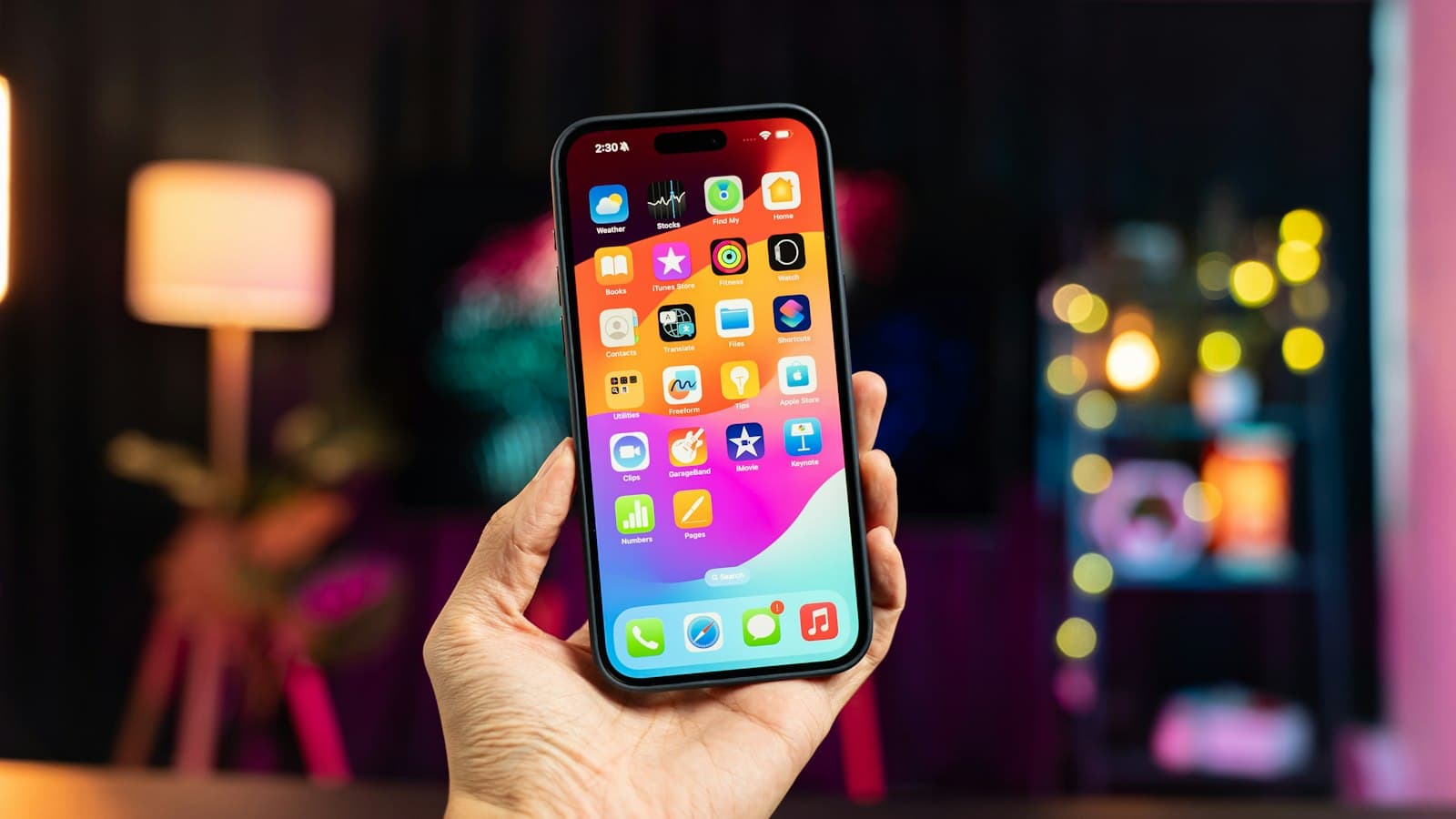
There are three ways to make an app for iPhone: write it yourself in Swift with Apple’s Xcode, which runs only on a Mac; hire a developer; or create it with an AI app builder that writes the code and builds the app for you. This guide follows the third way, which needs no Mac and no code, and says what costs money at each step. Whichever way you build it, putting the app on your own iPhone and on the App Store needs the Apple Developer Program, $99 a year.
The steps, from idea to your iPhone
- Write down who the app is for and the three or four things they do in it.
- Describe that to Glassly in plain English, or start from a free template close to your idea. For your own idea, you see the price before anything builds.
- Let it build. Of the 28 apps people built from their own ideas between 21 October and 4 November 2026, half were ready about six minutes after the build started, 23 within 10 minutes and 27 within 15.
- Try it in the live preview and change it by asking in chat.
- Join the Apple Developer Program and connect it to Glassly with an App Store Connect key.
- Install the app on your iPhone from Safari or Chrome.
- When it is ready for everyone, send a store build to App Store Connect, fill in the listing and submit it for review.
Do you need a Mac?
Not with a builder that builds the app on its own computers. Xcode, Apple’s tool for building iPhone apps, runs only on a Mac, so Glassly builds and signs the app on its own servers and you work from a browser on Windows, a Chromebook or the iPhone itself. How to build an iPhone app without a Mac has the detail.
Can you make an iPhone app for free?
You can start free: every template is free to claim, and a free account gets 5 native builds. Building your own idea uses credits: $2.99 (£1.99 in the UK), paid once, is usually enough for your app, sign-in and database setup included. Apple charges its $99 a year to put any app on your own iPhone outside a preview app. Can you make an iPhone app for free? separates what is free from what Apple charges for.
Making it with AI
The description is the part that matters: say who uses the app and what they do in it, rather than how each screen looks. Glassly turns it into a brief, lists the screens, and writes them along with the backend the app needs, such as sign-in, a database and file storage. After that, each change is a sentence in chat. How to make an app with AI covers writing a description that builds well.
Testing it on your iPhone
On your own iPhone, you install each phone build from Safari or Chrome. To let other people try it before it is public, Apple’s TestFlight takes up to 10,000 testers by email or a public link. How to test an app on iPhone compares every way.
Putting it on the App Store
Glassly uploads the store build to App Store Connect and follows it to TestFlight. You create the app’s page in App Store Connect, fill in the listing and the privacy answers, and press submit. Apple says it reviews 90% of submissions within 48 hours. How to publish an app on the App Store goes through each screen.
An Android app as well
The same app builds for Android, where it installs from a link with no account at all. Make an app for iPhone and Android says what each platform needs from you, and the iPhone app builder page shows what you get.